Step 1: Sign In to Google
Go to Google.com and sign in with the Google account you used to manage your Business Profile.
Step 2: Search for Your Business on Google
In the Google search bar, type your exact business name. If you’re logged into the account that manages the profile, you’ll see a special panel on the right side of the search results — this is your Google Business Profile panel.
Step 3: Access Your Business Profile Controls
Within that panel, look for the section labeled “Reviews”.
Click on the “Get more reviews” button.
This is your Google Business Profile URL — it directs people straight to your review page.
Copy the review link. It should look like : https://g.page/r/[page%20ID]/review
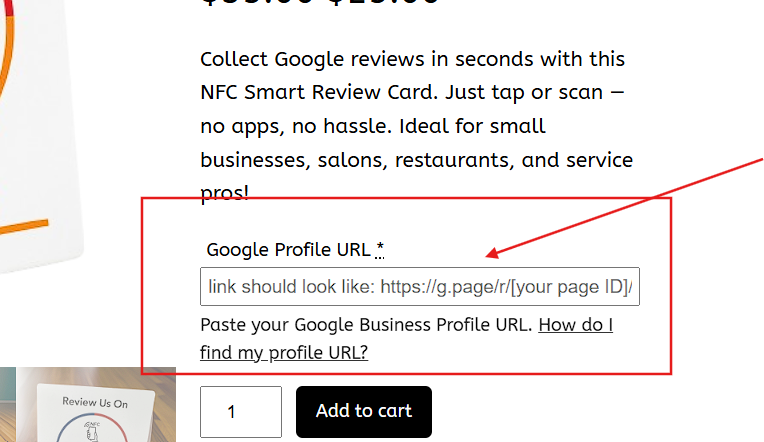
Step 4: Paste the link in the Product Order Page
Paste your copied URL into the product page field as shown in the image below.